11 tips to make the most of Microsoft Word
11 workplace productivity tips to make the most of Microsoft Word. From editing pdfs, to understanding Smart Look up, there’s plenty to learn about.
3 min read
One question we get asked surprisingly often is whether we support Macs.
Usually, the question comes from a business owner who's just bought a new MacBook, a marketing team full of Apple fans, or a company that's ended up with a mix of devices over the years.
The short answer is yes.
In fact, supporting Macs is something we do every day.
While Windows remains the most common platform in business, Macs are increasingly common too, particularly amongst leadership teams, marketers and creative professionals.
The good news? Macs aren't a problem. They're simply another device we can secure, manage and support.
 Very few businesses are 100% Windows these days. It's common to Macs in the mix with Microsoft 365 sitting underneath it all.
The challenge isn't Macs themselves, rather it is making sure every device is managed, secured and supported consistently. Modern businesses use a mix of devices, and we make sure they're all secure, supported and managed properly.
Macs and Windows PCs work very differently behind the scenes, but from a support, security and management perspective, we apply the same standards to both. We don't see Macs as "special cases" that sit outside of IT management. They are simply another endpoint that needs to be secure, managed, monitored and supported.
That means Mac users receive the same attention and protection as Windows users.
All of our customers operate within Microsoft 365, which makes managing mixed-device environments much easier.
Whether someone is using a MacBook, an iMac, a Windows laptop or a desktop PC, they're still signing into the same Microsoft 365 environment. This allows us to apply consistent controls across all devices, including:
The result is a consistent and secure experience regardless of the operating system being used.
Macs have a reputation for being immune to cyber threats. We wish that were true, but unfortunately cyber criminals aren't put off by an Apple logo. While macOS has strong built-in security features, it is not immune to cyber threats. That's why we implement the same cyber security principles across both platforms.
Our endpoint protection tools run on macOS and Windows, allowing us to monitor devices, detect threats and maintain consistent security standards across your business.
When it comes to protecting company data, the operating system matters less than having the right controls in place.
Keeping devices up to date remains one of the simplest and most effective ways to reduce security risks.
We manage updates for both Windows and macOS devices, helping ensure systems remain secure, compliant and fully supported.
Whether it's a Windows security patch or the latest macOS update, we can help keep devices current without relying on users to remember to do it themselves.
One of the biggest misconceptions we hear is that choosing a Mac means stepping away from Microsoft. The reality is that most Mac users spend their day in Outlook, Teams, OneDrive, SharePoint and the Office apps, just like their Windows-using colleagues. Most business-critical applications are now cloud-based, and Microsoft has invested heavily in supporting macOS. This means we can apply many of the same security, compliance and identity controls across both platforms from a single Microsoft 365 environment.
In fact, the Macs themselves are rarely the problem. The challenges we encounter are usually related to how devices have been introduced and managed within the business. Common issues include Macs being purchased directly by departments without IT involvement, devices linked to personal Apple IDs, systems that have never been enrolled into management tools, inconsistent security settings between Windows and Mac users, and devices receiving little or no monitoring. None of these issues are particularly difficult to solve, but they often go unnoticed because Macs are sometimes treated differently from the rest of the IT estate.
Let's be honest, forcing someone to swap their beloved MacBook for a Windows laptop (or vice versa) rarely ends well. We'd rather give people the freedom to use the device they work best on while making sure it's properly managed behind the scenes.
If your staff prefer Macs, that's fine. If they prefer Windows, that's fine too. Our goal is to make sure every device is properly secured, managed and supported, regardless of the badge on the lid.
Whether your business has one MacBook tucked away in the marketing department or an entire team running on Apple devices, they shouldn't be treated as exceptions.
The goal is simple: every user receives the same support, every device meets the same security standards, and your team can work on the technology that suits them best.
That's exactly how we approach Mac support.
If your business uses a mixture of Macs and Windows devices, it's worth asking a simple question: are they all being managed to the same standard?
If the answer is "probably not", that's where we can help.
At the end of the day, we don't really care whether there's an Apple logo or a Windows logo on the lid. We care that your devices are secure, supported and helping your team do their best work.

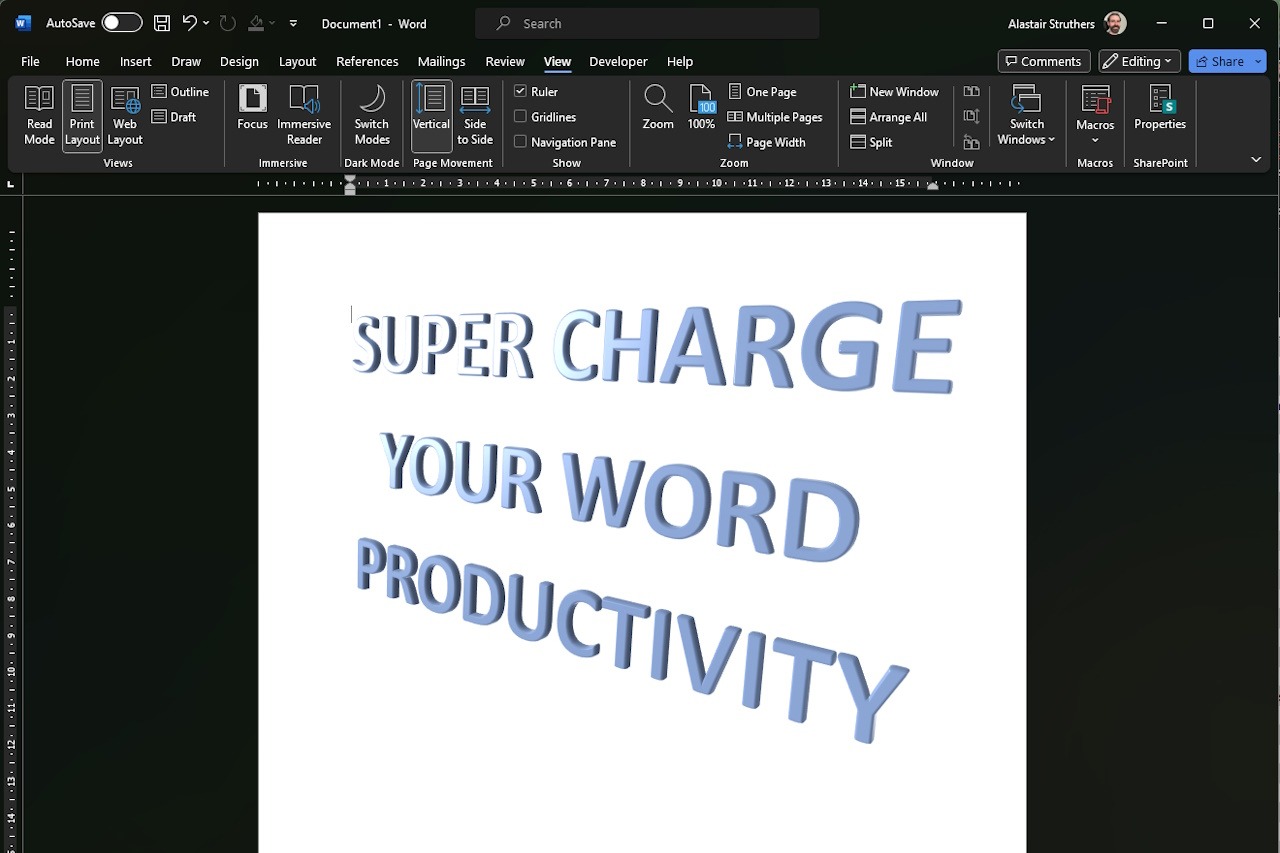
11 workplace productivity tips to make the most of Microsoft Word. From editing pdfs, to understanding Smart Look up, there’s plenty to learn about.

Miniature workers around a computer monitor showing a Microsoft Publisher closing-down notice with a retirement date, alongside maintenance equipment.

We look at why Microsoft Bookings is such a great free tool for your business which helps streamline workflows and improve your customer experience.